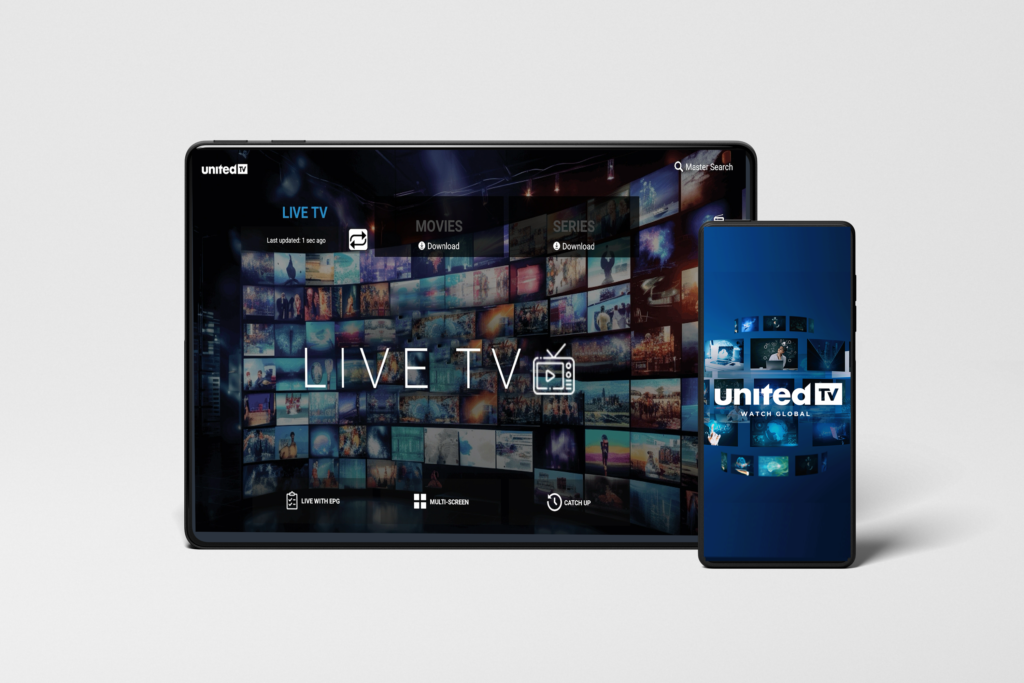
If you have the technical expertise and are familiar with installing APK files manually on your devices you can get the file and proceed.
Download Here or click the button below to begin the download.
How to use “Downloader” to install the UnitedTV for Android App
Please note: You must have an active UnitedTV account to use this app.
Once installed, you’ll need to enter the username and password provided with your subscription.
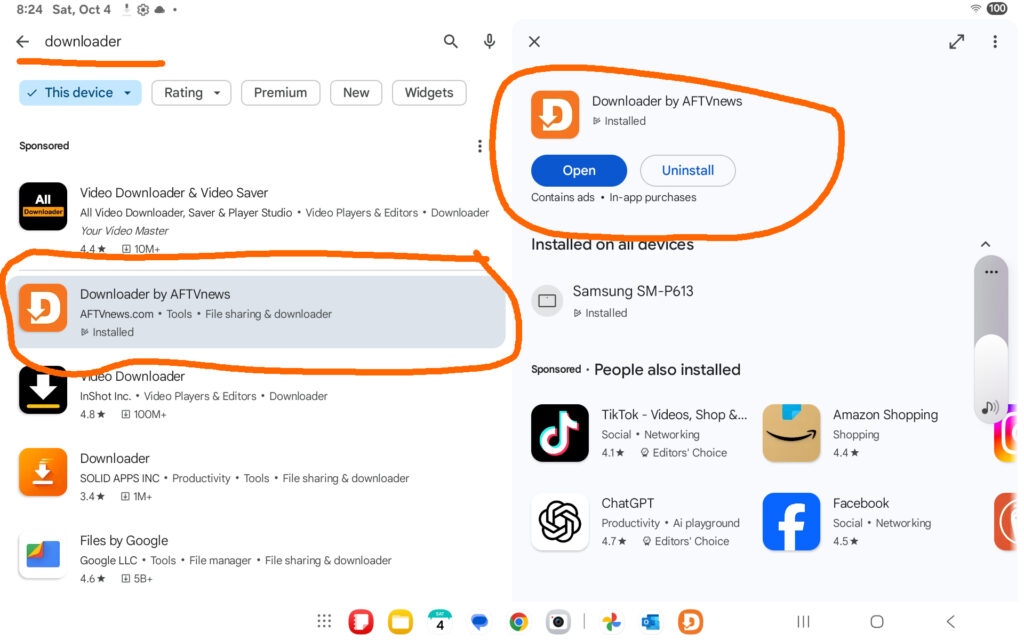
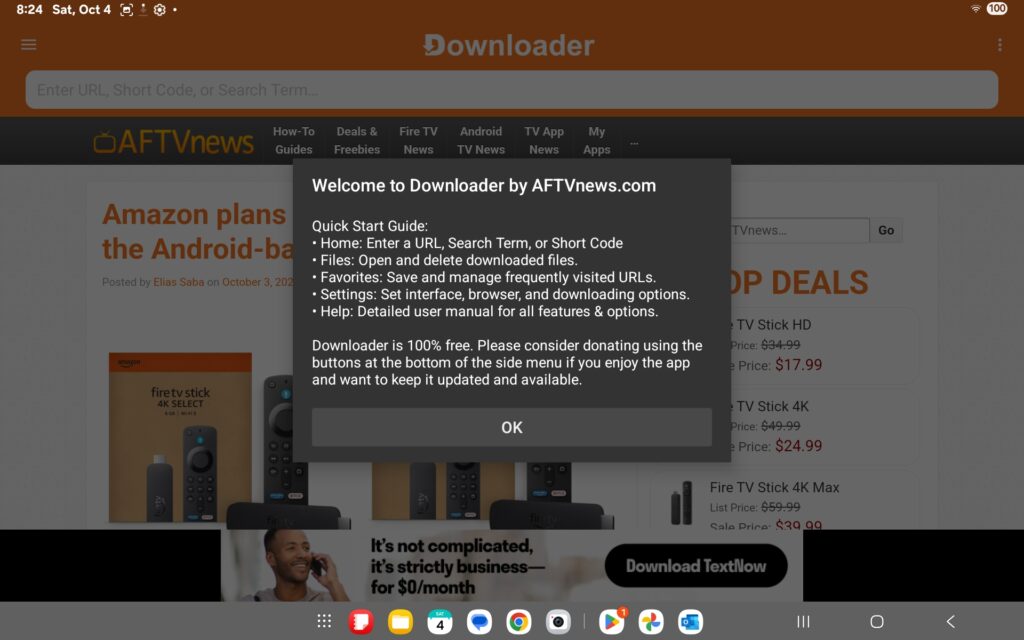
Step one- Search for Downloader by AFTVnews - In Apps on Google Play Store
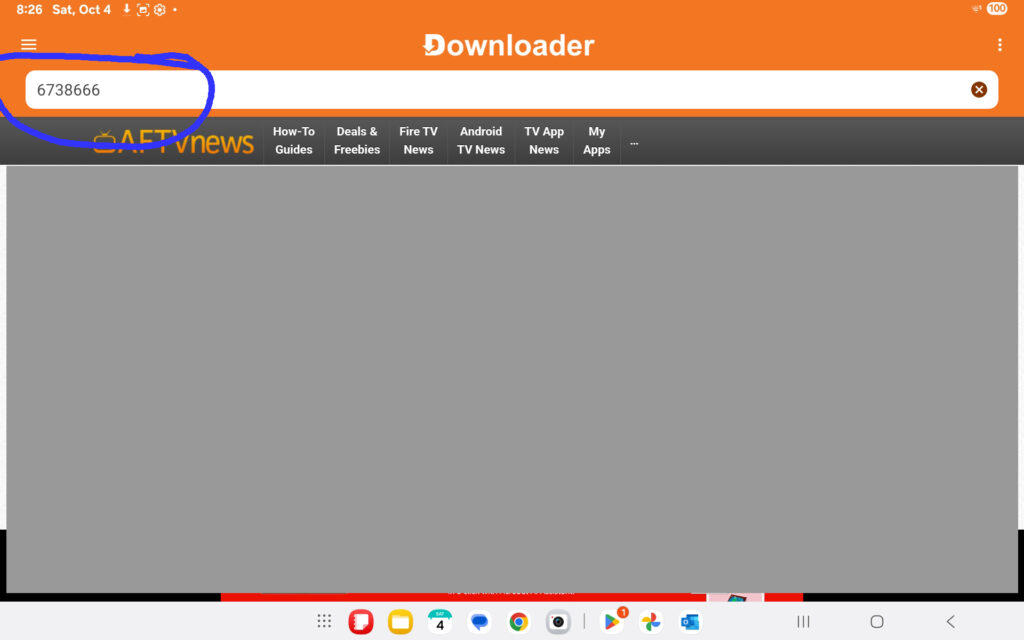
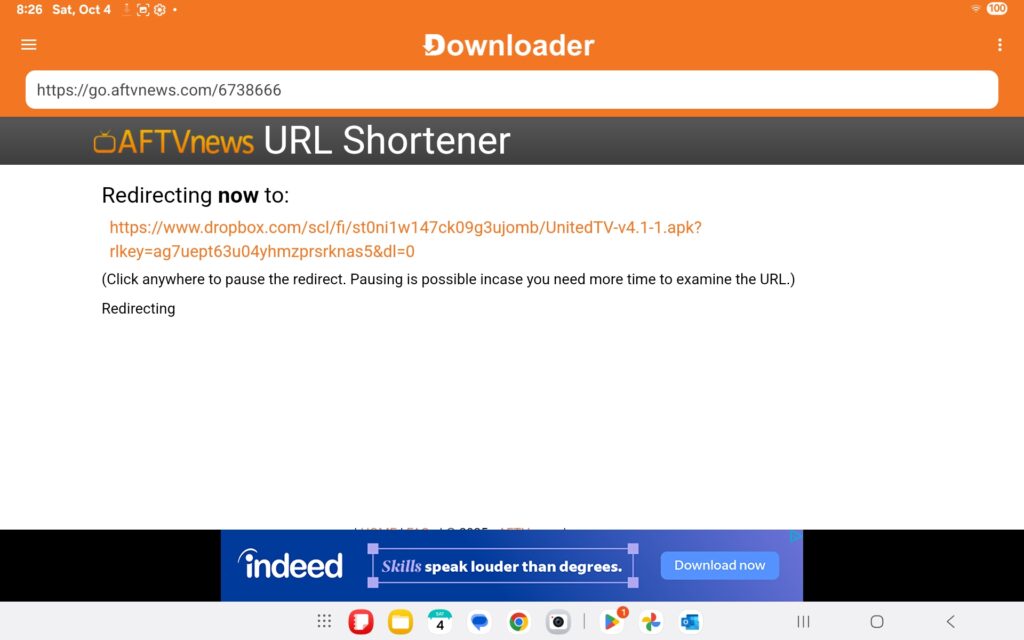
Enter the short code 6738666
You will be redirected to a download link automatically.
No action is required—this process will begin on its own.
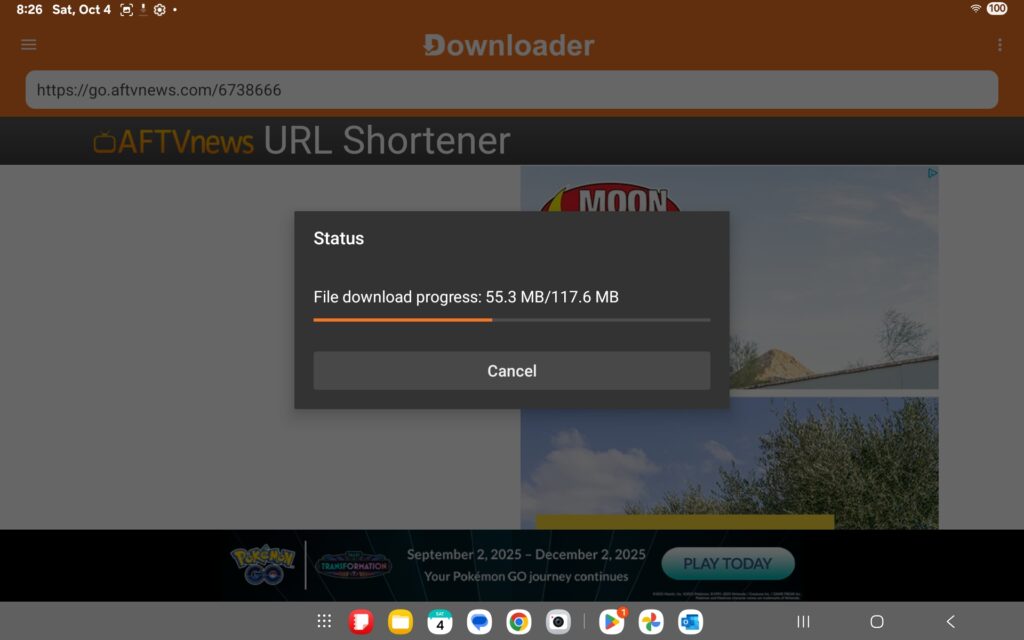
The United TV app will automatically start to download.
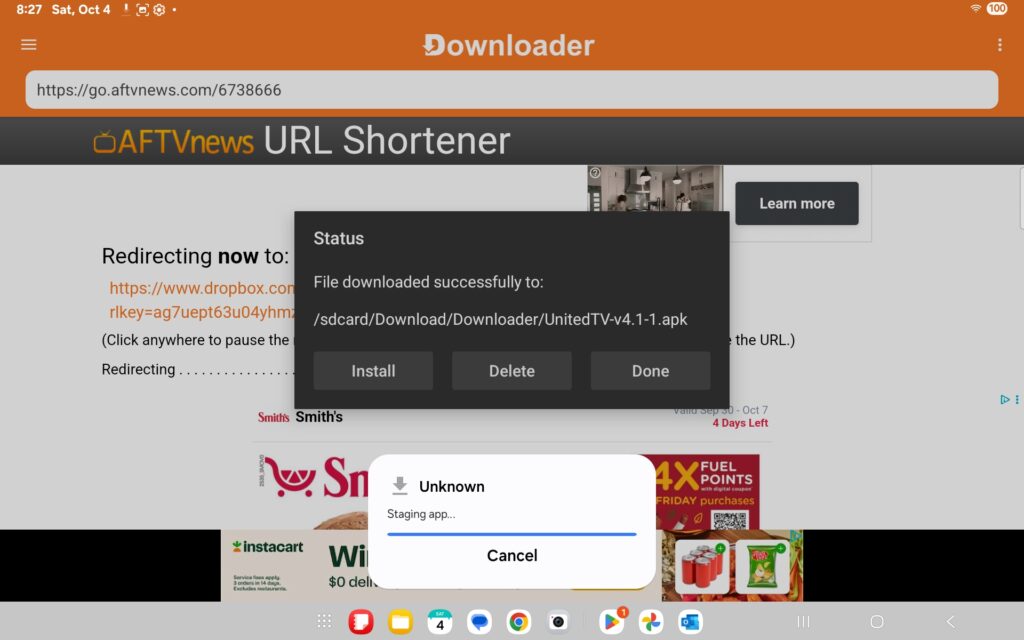
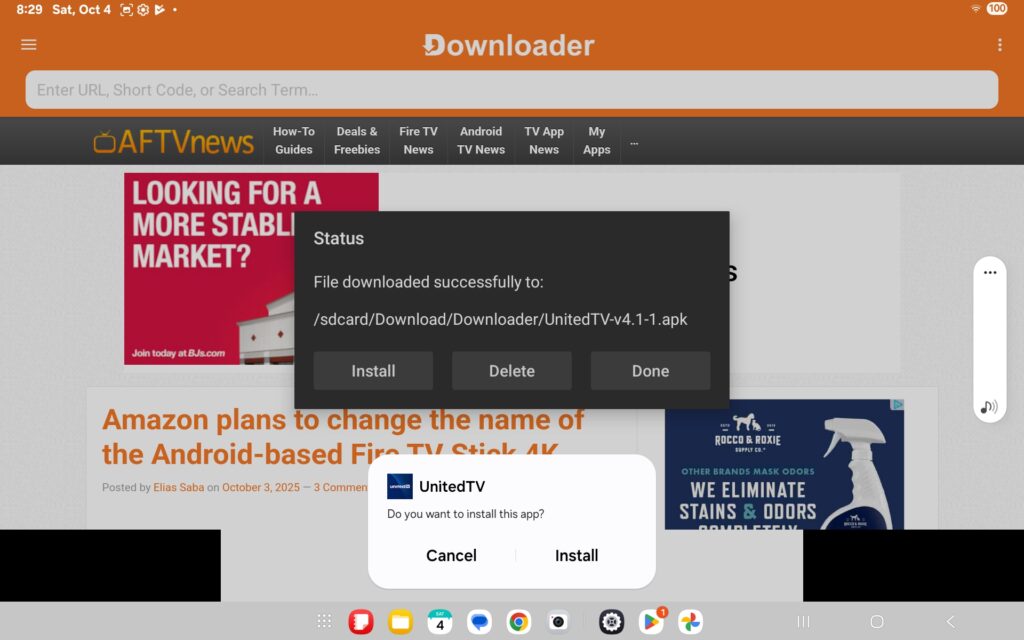
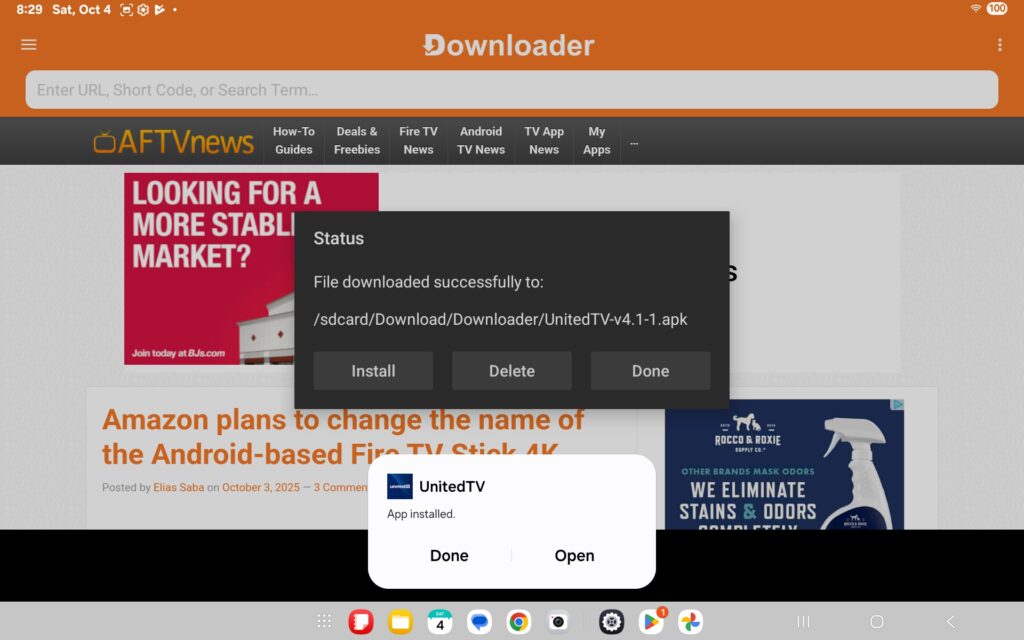
Next you should get a successful download message. You can select install here.
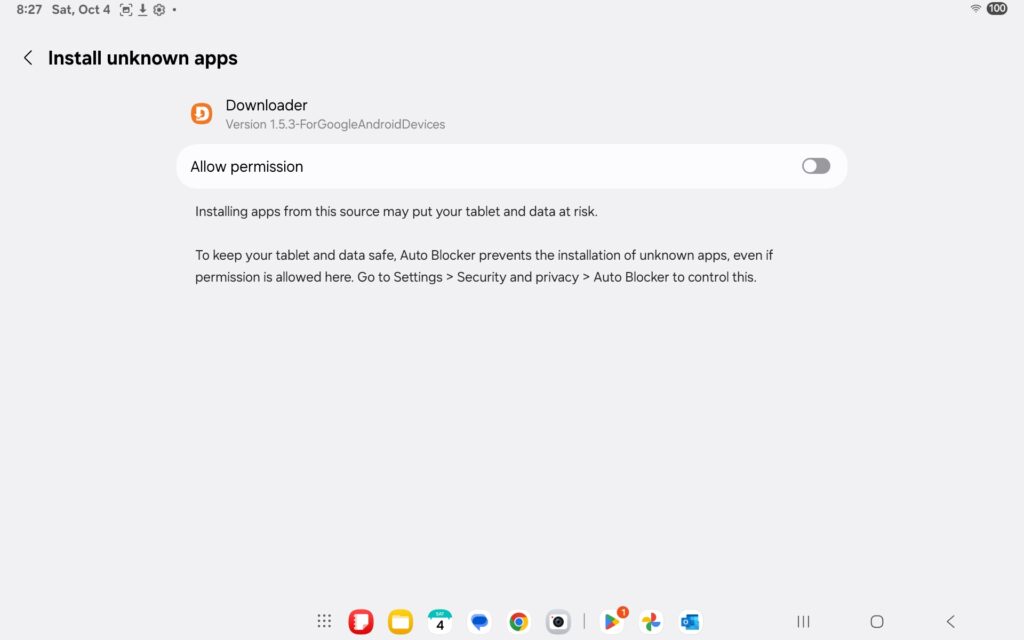
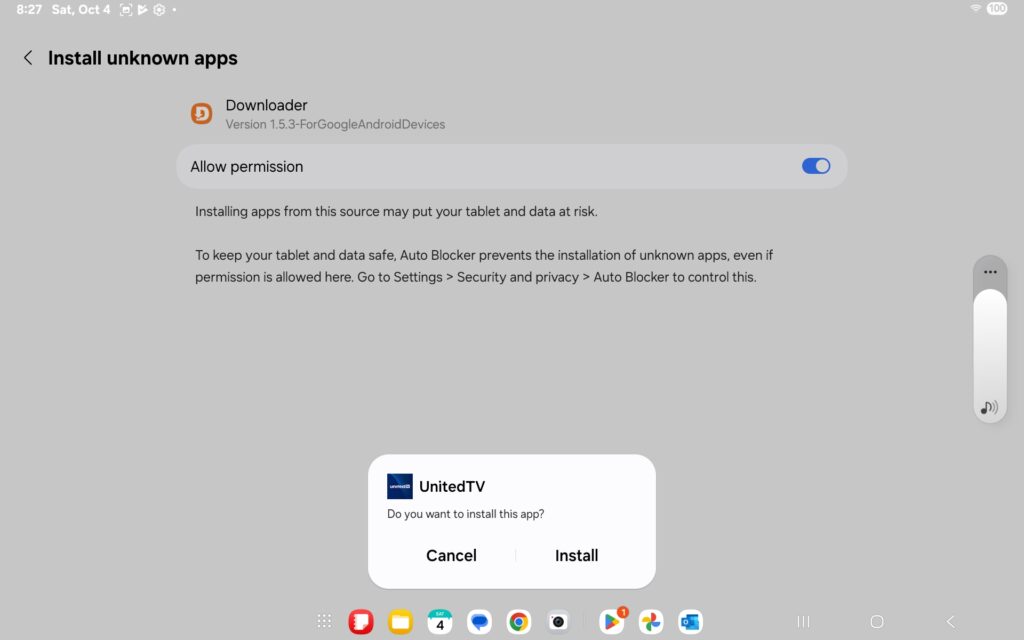
Depending on your system settings, you may need to grant a few permissions, as this app is considered “unknown” by Google.
Allow permission and select install again
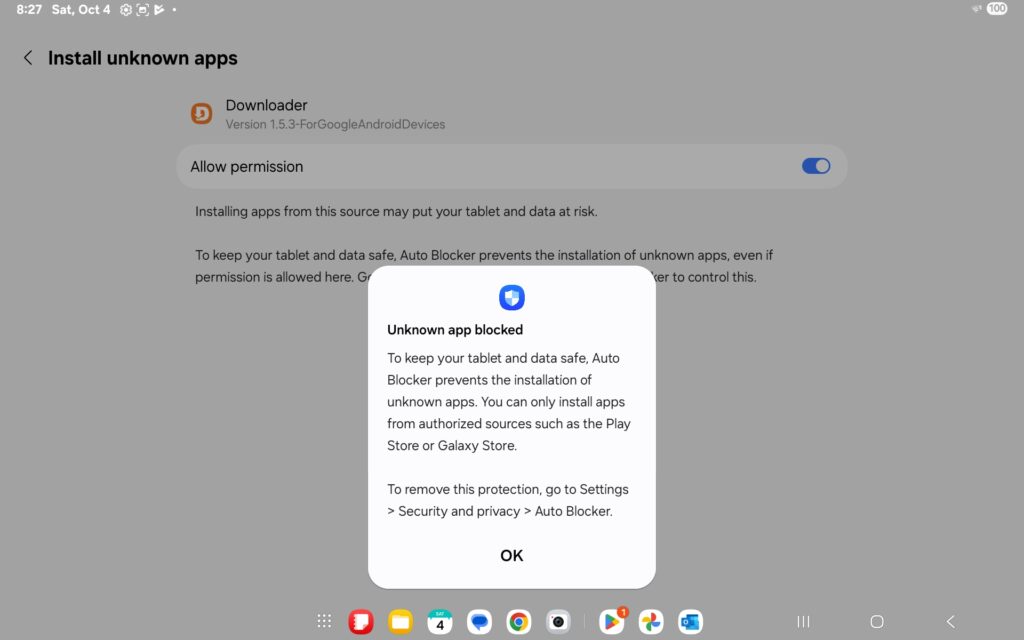
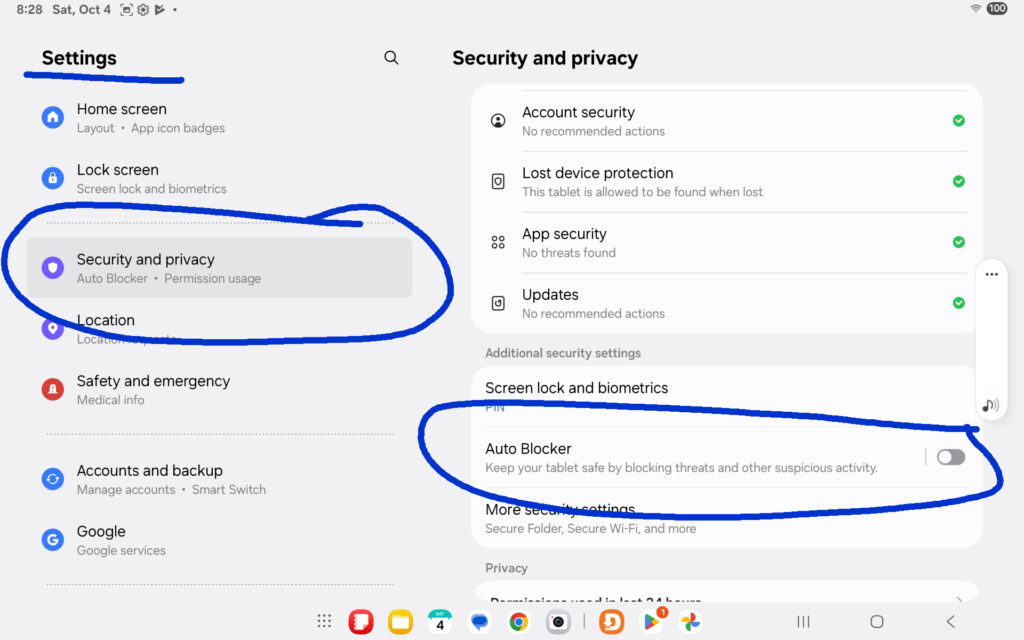
Depending on your settings you may also need to turnoff "auto blocker" temporally
Go to Settings > Security & Privacy, and temporarily disable the Auto Blocker to allow installation.
Return to the Downloader App and select Install again to proceed with the installation.
Select open
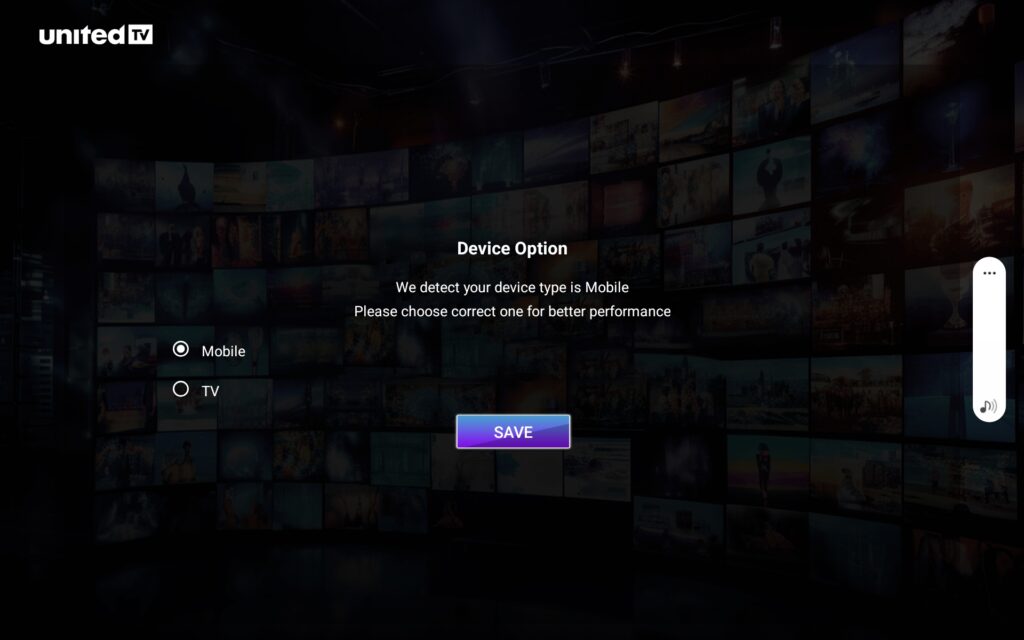
Select Mobile
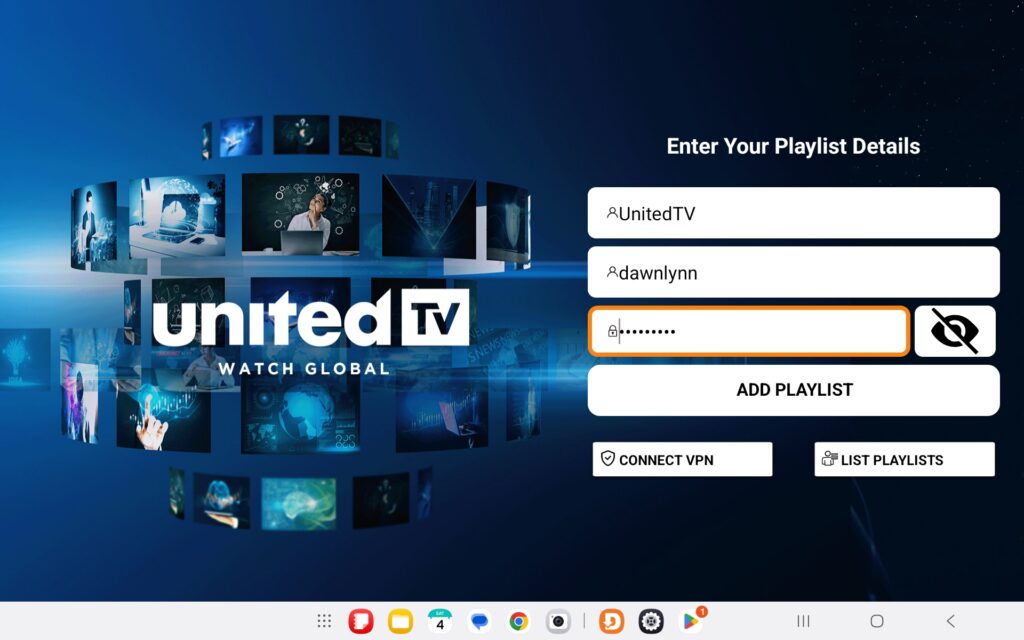
On the top line, enter a playlist name.
Then enter your username and password in the fields below, and select "ADD PLAYLIST"
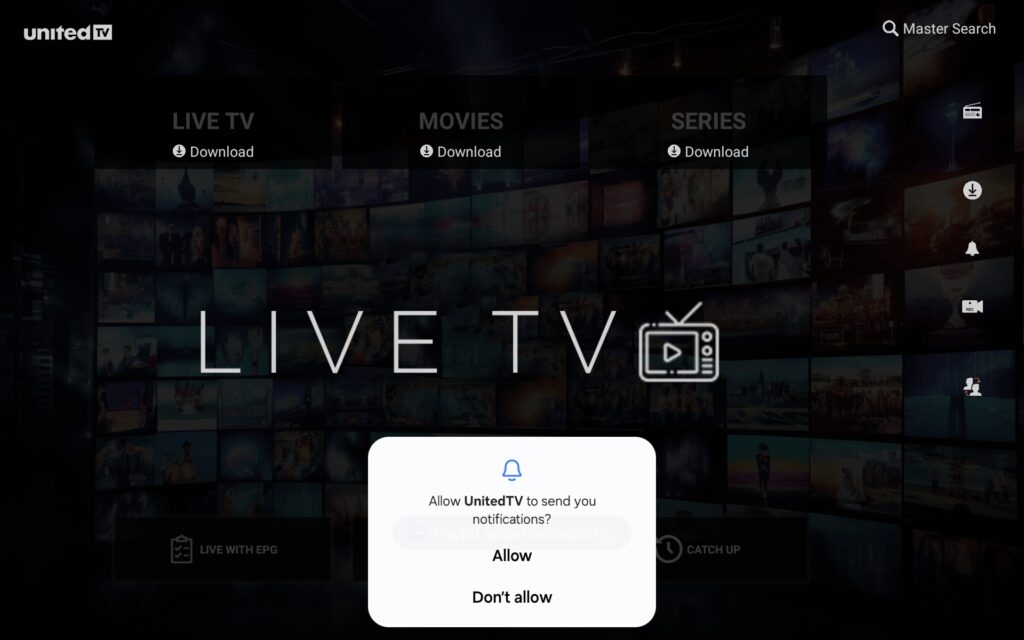
Notifications is an optional choice
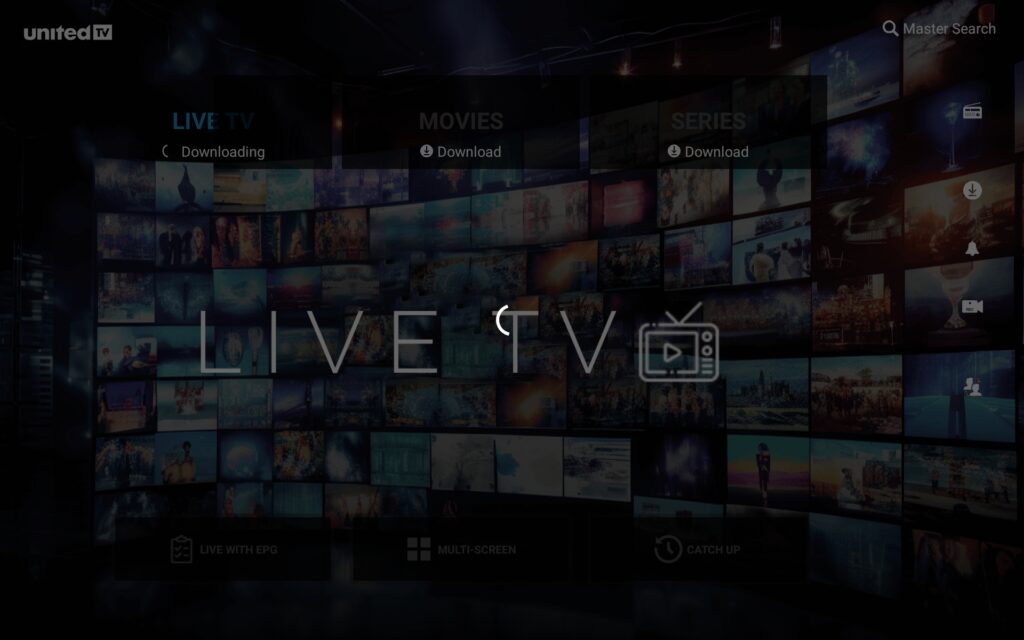
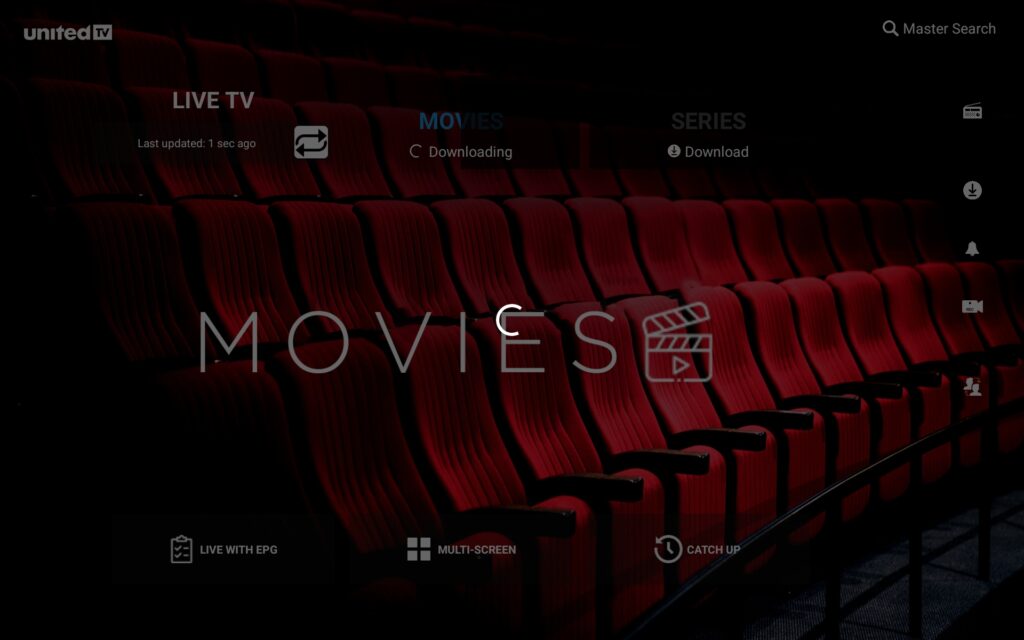
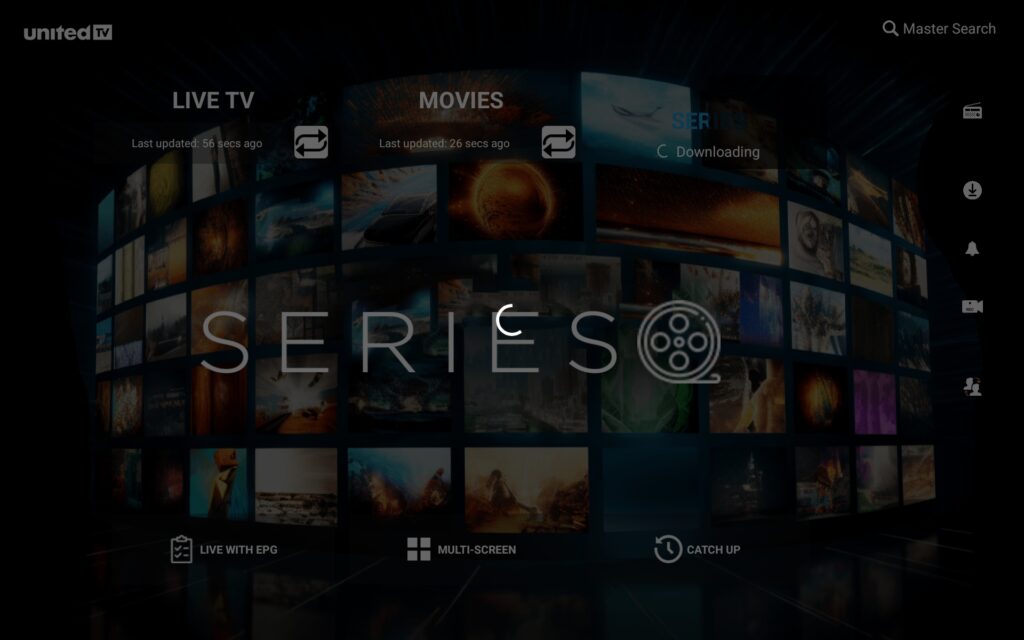
Next, download the media indexes for the content included in your subscription—based on the languages you selected.
Be sure to download indexes for TV, Movies, and Series to access the full catalog.